
If you’re searching for clear, practical insights into tensorflow vs pytorch differences, you’re likely trying to decide which framework best fits your machine learning workflow. With both platforms dominating the AI landscape, choosing the right one can directly impact your model performance, development speed, and long-term scalability.
This article breaks down the core architectural distinctions, performance considerations, ecosystem strengths, and real-world use cases that separate TensorFlow and PyTorch. Instead of surface-level comparisons, we focus on how each framework behaves in production environments, research settings, and rapid prototyping scenarios—so you can align your choice with your technical and business goals.
Our analysis draws from current machine learning frameworks, official documentation, implementation benchmarks, and expert engineering practices. By the end, you’ll have a clear, practical understanding of where each framework excels—and which one makes sense for your next AI project.
Choosing the right framework shapes everything from prototypes to production. The tensorflow vs pytorch differences debate often centers on three factors:
- Ease of Use: PyTorch’s dynamic computation graph feels intuitive, while TensorFlow’s structure can enhance large-scale deployment.
- Ecosystem and Tooling: TensorFlow integrates tightly with TensorBoard and TFX, yet PyTorch dominates research papers.
- Performance and Scale: Both optimize GPUs well, though benchmarks vary.
I admit some trade-offs remain unclear; performance shifts with hardware and team expertise. Critics argue the choice barely matters since concepts transfer. They’re partly right—yet migration costs are real. Pick based on project constraints first.
Core Philosophy and API Design: Static vs. Dynamic Graphs
When comparing tensorflow vs pytorch differences, the biggest divide starts with how each framework builds a computational graph—a visual map of mathematical operations your model performs.
TensorFlow’s Approach (Define-and-Run)
First, you define the entire graph. Then, you run it. In simple terms, you plan everything before pressing “go.” This static graph allows heavy optimization and smoother deployment to production environments. Because the structure is fixed, performance tuning becomes easier. However, debugging can feel indirect since errors appear after execution (like proofreading only after printing the whole book).
PyTorch’s Approach (Define-by-Run)
PyTorch builds the graph on the fly. Each line executes immediately, making it dynamic. This flexibility feels more “Pythonic” and is ideal for research or models that change structure mid-execution.
Practical Implication
For beginners, PyTorch’s immediate feedback usually offers a gentler learning curve. You see results instantly, which makes experimentation—and understanding—far simpler.
Ease of Use and Developer Experience
When choosing between frameworks, most developers care about one thing first: how quickly can I build and debug a model without fighting the tool? That’s where learning curve differences become obvious.
To begin with, TensorFlow’s high-level Keras API dramatically simplifies model building. You can stack layers sequentially with just a few lines of code, which is ideal for beginners or rapid prototyping. In contrast, PyTorch uses an intuitive, object-oriented structure where you define models as Python classes. If you already understand classes and methods, PyTorch feels natural (almost like writing standard backend code).
However, debugging is where things really diverge. PyTorch’s dynamic computation graph—meaning the graph is built on the fly during execution—lets you use standard Python tools like pdb. You can inspect variables step by step, just like regular Python scripts. TensorFlow, especially in graph mode, often requires tf.print() or specialized debugging workflows, which can feel less direct.
For example, a simple neural network in PyTorch typically mirrors standard Python flow: define a class, implement forward(), instantiate, train. In TensorFlow/Keras, you define layers and compile the model declaratively.
Ultimately, understanding tensorflow vs pytorch differences helps you choose based on how you prefer to think and debug code (pro tip: if debugging speed matters, test both with a small project first).
Performance, Scalability, and Distributed Training
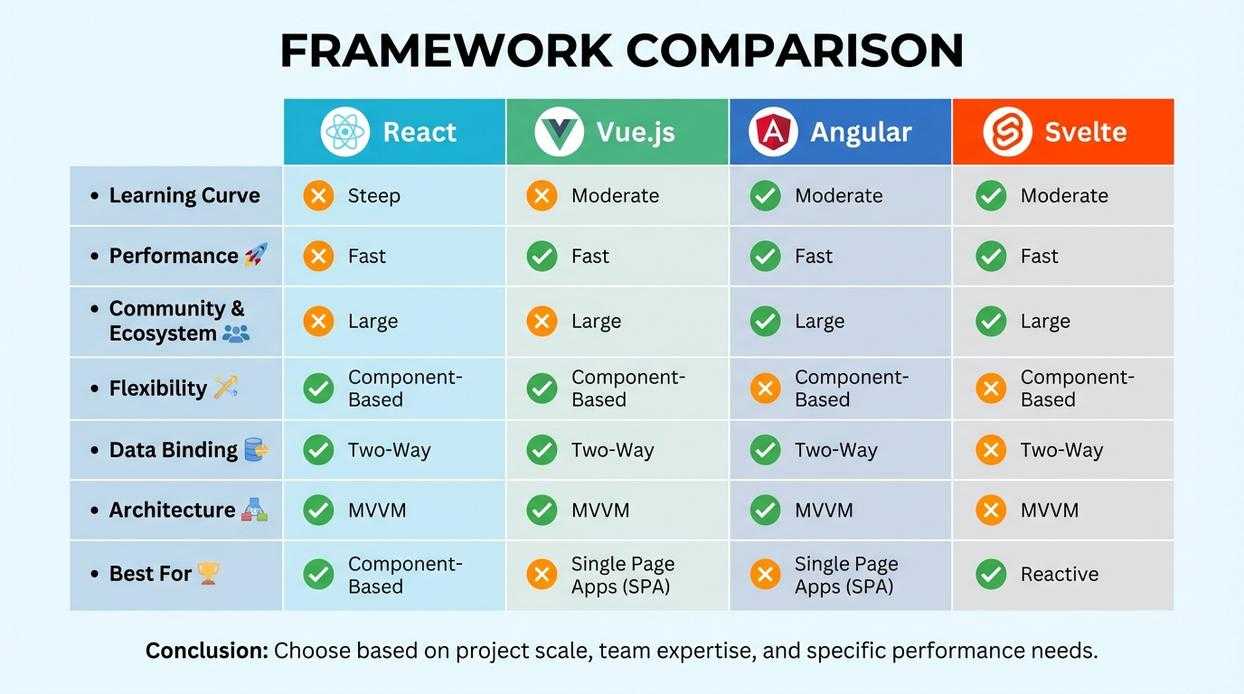
When evaluating deep learning frameworks, performance and scalability often become the deciding factors—especially once prototypes move into production.
Raw Performance and Graph Optimization
First, consider raw performance. TensorFlow’s static graph (a pre-defined computation graph that is optimized before execution) allows aggressive performance tuning. Because operations are mapped and optimized ahead of time, large-scale production systems can achieve slightly better efficiency and predictability. In contrast, PyTorch’s dynamic graph (built on the fly during execution) prioritizes flexibility. Some argue dynamic graphs are “slower,” but in practice, the gap has narrowed significantly thanks to compiler improvements and backend optimizations.
Distributed Training APIs
Next, distributed training. TensorFlow’s tf.distribute.Strategy provides multiple strategies for multi-GPU and multi-node setups. Meanwhile, PyTorch’s DistributedDataParallel (DDP) is widely praised for its simplicity and minimal boilerplate. For common multi-GPU training, many practitioners find DDP easier to configure. However, TensorFlow offers tightly integrated scaling tools for enterprise pipelines. If you’re weighing tensorflow vs pytorch differences, distributed support is a practical place to start.
Mobile and Edge Deployment
Finally, TensorFlow Lite stands out for mobile and embedded deployment. It’s mature, well-documented, and optimized for edge hardware. If deployment is your priority, revisit how to choose the right deep learning library for your project: https://llusyep.com/how-to-choose-the-right-deep-learning-library-for-your-project/.
Ecosystem, Community, and Pre-trained Models
When choosing a framework, ecosystem strength often matters more than raw performance. After all, tools shape workflow.
On the TensorFlow side, the ecosystem is built for production. TensorBoard (a visualization toolkit for tracking metrics and model graphs) helps you see what your model is actually doing—because staring at logs all day isn’t fun. TensorFlow Extended (TFX) supports end-to-end MLOps, meaning deployment, validation, and monitoring are baked in. Then there’s TensorFlow Hub, a repository of reusable pre-trained models that can save weeks of work (pro tip: always fine-tune before deploying).
Meanwhile, PyTorch thrives through tight integration with Python’s scientific stack, especially NumPy. It also powers libraries like Hugging Face Transformers, which are often PyTorch-first and dominate modern NLP.
In discussions about tensorflow vs pytorch differences, community culture stands out. TensorFlow leans industry-focused; PyTorch historically leads in research. If you’re shipping products, choose TensorFlow. If you’re experimenting or publishing, PyTorch is often the smoother ride.
Deployment and Production Readiness
When models leave the lab, they need armor. TensorFlow Serving is a dedicated, high-performance serving system built for production environments—meaning live systems where real users send real traffic. It offers versioning, A/B testing (comparing two model variants), and stable gRPC/REST APIs, making it the Marvel-style “Avengers Assemble” of scalable inference.
For years, tensorflow vs pytorch differences showed up most clearly in deployment. TorchServe and exports to ONNX (Open Neural Network Exchange) or TorchScript now streamline production workflows. Recent improvements have narrowed the gap, turning PyTorch’s path to production from indie film to blockbuster-ready. For modern teams.
Choosing between frameworks is less about hype and more about fit. We’ve already examined the tensorflow vs pytorch differences, so here’s the distilled comparison.
PyTorch
- Dynamic computation graphs for flexible experimentation
- Pythonic syntax that feels natural during rapid prototyping
- Strong academic and research community support
TensorFlow
- Mature tooling for scalable, distributed training
- Production-ready deployment pipelines (from mobile to cloud)
- Extensive ecosystem integrations
Some argue flexibility always wins. Others insist stability matters most. The real answer? Match the tool to the mission (yes, like picking the right lightsaber). Prioritize speed for research; prioritize reliability for production. Make informed, context-driven decisions confidently.
Build Smarter Models With the Right Framework
You came here to clearly understand the tensorflow vs pytorch differences—and now you have a practical grasp of how each framework handles flexibility, deployment, performance, and ecosystem support.
Choosing the wrong framework can slow development, complicate scaling, and waste valuable engineering time. The right one accelerates experimentation, simplifies production, and keeps your models future‑ready.
Now it’s your move. Evaluate your project goals, team expertise, and deployment needs—then commit to the framework that aligns with your long‑term AI strategy. If you want faster innovation, cleaner implementation guidance, and expert-backed breakdowns of complex machine learning decisions, explore our in-depth tutorials and framework comparisons today.
Thousands of developers rely on our insights to simplify advanced tech decisions. Don’t let uncertainty stall your next build—start applying what you’ve learned and move forward with confidence.
 Director of Content & Digital Strategy
Roxie Winlandanders writes the kind of practical tech application hacks content that people actually send to each other. Not because it's flashy or controversial, but because it's the sort of thing where you read it and immediately think of three people who need to see it. Roxie has a talent for identifying the questions that a lot of people have but haven't quite figured out how to articulate yet — and then answering them properly.
They covers a lot of ground: Practical Tech Application Hacks, Expert Tutorials, Core Tech Concepts and Breakdowns, and plenty of adjacent territory that doesn't always get treated with the same seriousness. The consistency across all of it is a certain kind of respect for the reader. Roxie doesn't assume people are stupid, and they doesn't assume they know everything either. They writes for someone who is genuinely trying to figure something out — because that's usually who's actually reading. That assumption shapes everything from how they structures an explanation to how much background they includes before getting to the point.
Beyond the practical stuff, there's something in Roxie's writing that reflects a real investment in the subject — not performed enthusiasm, but the kind of sustained interest that produces insight over time. They has been paying attention to practical tech application hacks long enough that they notices things a more casual observer would miss. That depth shows up in the work in ways that are hard to fake.
Director of Content & Digital Strategy
Roxie Winlandanders writes the kind of practical tech application hacks content that people actually send to each other. Not because it's flashy or controversial, but because it's the sort of thing where you read it and immediately think of three people who need to see it. Roxie has a talent for identifying the questions that a lot of people have but haven't quite figured out how to articulate yet — and then answering them properly.
They covers a lot of ground: Practical Tech Application Hacks, Expert Tutorials, Core Tech Concepts and Breakdowns, and plenty of adjacent territory that doesn't always get treated with the same seriousness. The consistency across all of it is a certain kind of respect for the reader. Roxie doesn't assume people are stupid, and they doesn't assume they know everything either. They writes for someone who is genuinely trying to figure something out — because that's usually who's actually reading. That assumption shapes everything from how they structures an explanation to how much background they includes before getting to the point.
Beyond the practical stuff, there's something in Roxie's writing that reflects a real investment in the subject — not performed enthusiasm, but the kind of sustained interest that produces insight over time. They has been paying attention to practical tech application hacks long enough that they notices things a more casual observer would miss. That depth shows up in the work in ways that are hard to fake.