Technology moves fast—and if you’re not actively keeping up, you’re falling behind. Whether you’re searching for clearer explanations of emerging tech, practical AI frameworks, or smarter ways to optimize your devices, this article is built to give you exactly that: actionable, up‑to‑date insights you can actually use.
We break down complex innovations into clear core concepts, explore machine learning frameworks in practical terms, and share smartphone productivity strategies that help you turn everyday devices into powerful tools. No vague predictions. No recycled tech headlines. Just focused analysis aligned with what you’re looking for—clarity, strategy, and real-world application.
Our insights are grounded in continuous research, hands-on testing of digital tools, and careful review of evolving technology trends. That means you’re not just reading opinions—you’re getting informed guidance designed to help you adapt, build, and stay ahead in a rapidly changing digital landscape.
Reclaiming your focus: turn your smartphone into a productivity engine
Modern smartphones are a paradox—powerful tools engineered to distract. Notifications, infinite feeds, and algorithmic nudges hijack attention, making deep work feel impossible.
This guide flips the script. Using smartphone productivity strategies grounded in digital minimalism and cognitive science, we rewire habits for sustained focus.
Consider A vs B: default phone with every app buzzing versus a curated device with intentional alerts and single-task screens. One drains; the other compounds results.
You will learn device-agnostic tactics to control technology so it serves your goals, not the other way around starting today.
The Foundation: Architecting Your Digital Environment
Before you touch a single setting, clarify the “why” before the “how.” Each time you pick up your phone, ask: are you consuming or creating? Consumption means scrolling, watching, reacting. Creation means writing, planning, building, connecting with intent. That micro-decision sounds simple, but it rewires behavior over time (yes, even five-second pauses matter).
Curate Your Home Screen
Your home screen is prime real estate. Keep it to one page. Include only utility apps: calendar, maps, notes, banking, camera. Move social media, news, and games into a folder on the second page. Out of sight reduces impulsive taps—behavioral scientists call this “choice architecture,” the design of environments that shape decisions (Thaler & Sunstein, 2008). Pro tip: rename the folder “Later” to reinforce delay.
The Notification Purge
Run a notification audit:
- Open Settings > Notifications.
- Disable everything except calls and direct messages from real people.
- Turn off badges and banners for retail, news, and social feeds.
Research shows frequent notifications fragment attention and reduce productivity (APA, 2017). Fewer pings mean deeper focus.
Batching Your Checks
Instead of reacting in real time, schedule two or three windows daily to check email and apps. This technique—central to smartphone productivity strategies—protects cognitive bandwidth and lowers stress (Newport, 2016).
The Grayscale Trick
Enable grayscale mode in Accessibility settings. Removing color dampens the brain’s reward response to bright icons (Alter, 2017). It’s like turning a casino into a library (less sparkle, more substance). Discipline compounds into freedom daily.
Choosing Your Tools: The Essential App Toolkit
A year ago, I had 47 productivity apps on my phone. Forty-seven. I told myself each one served a “very specific purpose” (which was code for digital hoarding). In reality, I was spending more time managing tools than doing actual work. That’s when I embraced the less is more philosophy: a small stack of powerful, flexible apps that handle 90% of my needs.
First, the Quick Capture system. Quick capture simply means instantly recording ideas or tasks before they vanish. I use Apple Notes as my single inbox. Whether it’s a meeting thought, a grocery reminder, or a random 2 a.m. idea, it goes there. This clears what I call “mental RAM”—the limited cognitive space your brain uses to hold short-term information. Once it’s written down, I can focus.
However, capturing a task isn’t the same as managing a project. That’s where mobile-friendly task managers come in. Apps like Todoist or Microsoft To Do sync seamlessly with desktop versions, letting you organize deadlines, subtasks, and priorities. Capture fast, then organize later.
Next, the read-it-later workflow. Tools like Pocket or Instapaper let you save articles without diving in immediately. Otherwise, one interesting link turns into an hour-long rabbit hole (we’ve all been there).
Finally, focus timers and blockers. Pomodoro apps break work into 25-minute intervals, while blockers temporarily restrict distracting sites. It sounds extreme, but do you really need Instagram during a deep work sprint?
These small shifts transformed my smartphone productivity strategies from chaotic to intentional.
Advanced Tactics: Automation and Deep Work Triggers
Introduction to Smartphone Automation
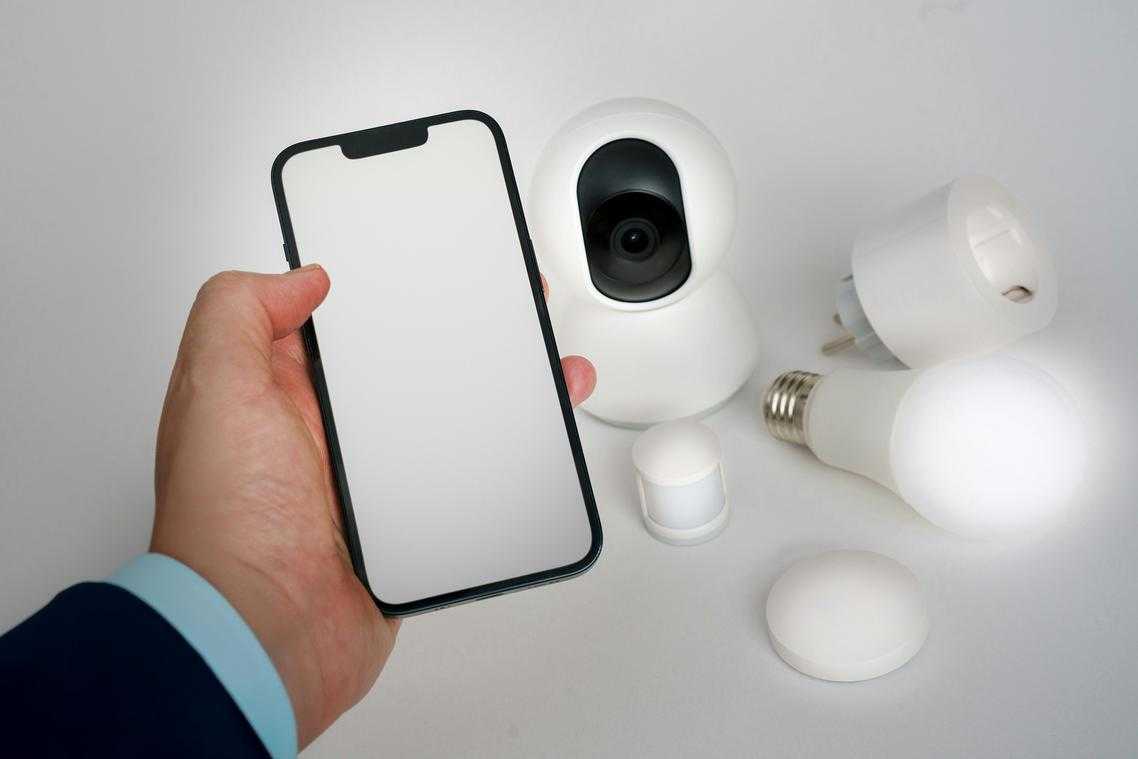
Smartphone automation means setting your device to perform actions automatically based on a trigger (a specific event like time of day or a button tap). Tools like iOS Shortcuts and Android Modes and Routines let you bundle repetitive actions together. Instead of manually toggling settings every morning, one command does it for you (your future self will be grateful).
If you’re new to smartphone productivity strategies, think of automation as creating a digital assistant that follows pre-set rules.
Creating a “Focus Mode” Trigger
A Focus Mode trigger is a one-tap routine that prepares you for deep work (distraction-free, cognitively demanding tasks). For example:
- Turn on Do Not Disturb
- Open your work playlist
- Launch your task manager
This reduces context switching—the mental cost of jumping between tasks (American Psychological Association).
Time-Blocking with Your Calendar
Time-blocking means assigning specific hours to specific tasks, not just meetings. Schedule:
- Deep work
- Shallow admin tasks
- Breaks
Research from Cal Newport highlights that structured blocks improve focus and output.
Widget Customization for Productivity
Widgets display key data—like today’s tasks or calendar events—without opening apps. This lowers friction and saves attention.
For step-by-step setups, explore simple automation hacks to save hours each week.
Building Sustainable Habits for Long Term Productivity
The Digital Sunset means putting your phone away one hour before bed. Research links screen exposure to poorer sleep and higher anxiety (Harvard Health). A simple boundary today prevents groggy mornings tomorrow.
A Weekly Review takes 15 minutes to clear inboxes, sort notes, and map priorities.
- Mindful Usage, not abstinence.
- Use smartphone productivity strategies with intention.
You might ask: what comes next? Track sleep, measure focus, and adjust weekly. Small experiments compound (think Atomic Habits, but practical). Start tonight; refine next Sunday.
Consistency beats intensity, especially when motivation inevitably dips. Plan for friction.
Your Blueprint for Intentional Smartphone Use
Your phone’s default settings are built for engagement, not focus. That means notifications, autoplay, and endless scroll are designed to keep you tapping (not finishing your to‑do list). A curated environment simply means removing digital clutter so only essential apps and alerts remain. Intentional habits are small, repeatable actions—like scheduled check‑ins instead of constant checking.
Some argue self‑control alone is enough. But willpower fades; systems last.
By applying smartphone productivity strategies, you reclaim hours and mental clarity.
- Start today with a Notification Purge: disable all non‑essential alerts and feel the difference immediately.
Take Control of Your Tech Momentum
You set out to better understand innovation alerts, core tech concepts, digital device strategies, and machine learning frameworks—and now you have a clearer, more practical roadmap to navigate them with confidence.
The real challenge was never a lack of information. It was the overload. Too many updates. Too many tools. Not enough clarity on what actually moves the needle. By focusing on what matters and applying structured smartphone productivity strategies, you can turn scattered insights into measurable progress.
Now it’s time to act.
Start by implementing one new workflow today—optimize your device setup, automate a small task with a machine learning tool, or subscribe to curated innovation alerts that filter out the noise. Small, intentional upgrades compound fast.
If you’re serious about staying ahead in a fast-moving digital world, don’t leave your growth to chance. Leverage expert-backed frameworks and proven tech strategies trusted by forward-thinking professionals. Explore the latest tutorials, apply what you’ve learned, and take control of your digital efficiency now.
 Founder & Chief Executive Officer (CEO)
Velrona Durnhanna writes the kind of llusyep machine learning frameworks content that people actually send to each other. Not because it's flashy or controversial, but because it's the sort of thing where you read it and immediately think of three people who need to see it. Velrona has a talent for identifying the questions that a lot of people have but haven't quite figured out how to articulate yet — and then answering them properly.
They covers a lot of ground: Llusyep Machine Learning Frameworks, Innovation Alerts, Core Tech Concepts and Breakdowns, and plenty of adjacent territory that doesn't always get treated with the same seriousness. The consistency across all of it is a certain kind of respect for the reader. Velrona doesn't assume people are stupid, and they doesn't assume they know everything either. They writes for someone who is genuinely trying to figure something out — because that's usually who's actually reading. That assumption shapes everything from how they structures an explanation to how much background they includes before getting to the point.
Beyond the practical stuff, there's something in Velrona's writing that reflects a real investment in the subject — not performed enthusiasm, but the kind of sustained interest that produces insight over time. They has been paying attention to llusyep machine learning frameworks long enough that they notices things a more casual observer would miss. That depth shows up in the work in ways that are hard to fake.
Founder & Chief Executive Officer (CEO)
Velrona Durnhanna writes the kind of llusyep machine learning frameworks content that people actually send to each other. Not because it's flashy or controversial, but because it's the sort of thing where you read it and immediately think of three people who need to see it. Velrona has a talent for identifying the questions that a lot of people have but haven't quite figured out how to articulate yet — and then answering them properly.
They covers a lot of ground: Llusyep Machine Learning Frameworks, Innovation Alerts, Core Tech Concepts and Breakdowns, and plenty of adjacent territory that doesn't always get treated with the same seriousness. The consistency across all of it is a certain kind of respect for the reader. Velrona doesn't assume people are stupid, and they doesn't assume they know everything either. They writes for someone who is genuinely trying to figure something out — because that's usually who's actually reading. That assumption shapes everything from how they structures an explanation to how much background they includes before getting to the point.
Beyond the practical stuff, there's something in Velrona's writing that reflects a real investment in the subject — not performed enthusiasm, but the kind of sustained interest that produces insight over time. They has been paying attention to llusyep machine learning frameworks long enough that they notices things a more casual observer would miss. That depth shows up in the work in ways that are hard to fake.